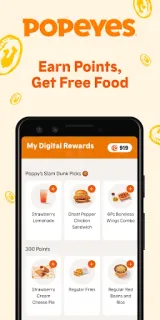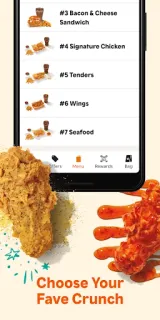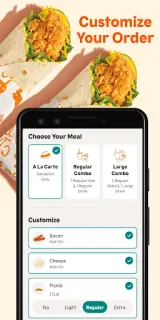
The family chat has settled on chicken, but the side choices are still up in the air. I’d use the Popeyes® App to build each order before heading out: choose a sandwich combo, pick a side and drink, then add extras. If nobody can agree, wings come in several flavors, and tenders can be shaped into a family meal. It’s a practical way to sort the menu without turning the counter into a committee meeting.
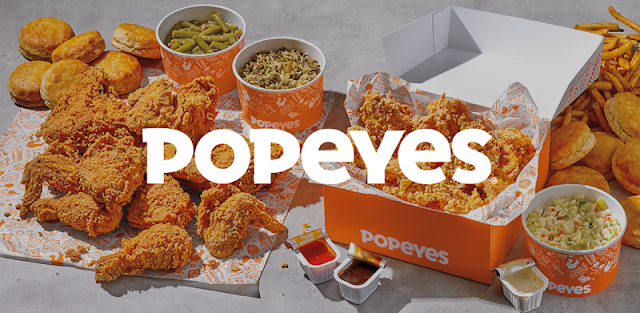
The app supports pickup and delivery, with customizable menu options for sandwiches, bone-in or boneless wings, signature chicken, tenders and family meals. You can choose chicken preparations, sauces, sides, drinks and add-ons; the app may also suggest desserts while you order. Event catering is another option, with orders available ahead of an occasion. App-exclusive offers are a reason to check the menu there, while food delivery and takeout availability depend on the order flow and location.
The privacy trade-off starts with account setup: ordering features may ask you to sign in or provide details needed to place and manage an order. Check the permission prompts on your phone and allow only what makes sense for the feature you use; location access can be useful for finding nearby restaurants, but you can choose a location manually if offered. Delivery can bring extra charges, so review the order total and fees before confirming. The app contains ads, too, and its app-only offers may not suit someone who prefers not to create an account.
I’d install it if Popeyes is a regular takeout choice, you want to customize a group order, or you may use catering and app offers. I’d skip it if you rarely order from the chain, prefer ordering in person, or don’t want another food account on your phone. Before you tap the Google Play button just below, check the developer name and the listing’s current privacy and permission details.