The family calendar is open, one cousin is asking for the ceremony details, and another needs the invitation sent to relatives who live far away. A polished digital card can give everyone the same event information without making the message feel like a copied announcement. That is the practical appeal here: start with a design that suits the celebration, add the details and send the finished invite through a channel your guests already use. It is a focused tool for the moment when the wording is settled but the presentation is not.
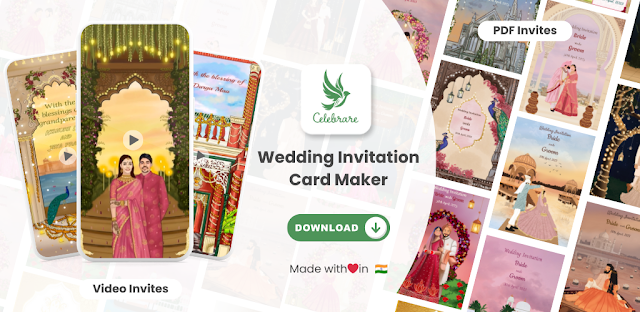
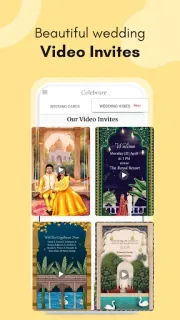
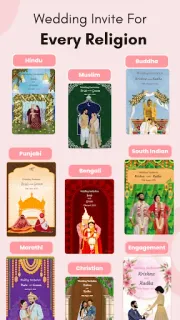
Celebrare is for Indian wedding, Shaadi and marriage invitations, along with other special occasions. Its listing describes customizable templates, digital e-cards and video invitations. For a video, you can add music, animations and a personal message; design tools include drag-and-drop editing, fonts and overlays. The idea is to shape a design around your event rather than build the invitation from a blank screen. That may suit a save-the-date, a wedding announcement or a family celebration where a visual greeting feels more fitting than plain text. The finished design is intended to be shared digitally.
The first few minutes are where I would pay attention. Pick a template before investing time in wording, then check which parts can be edited and whether the chosen design works for your event details. Music and animation may add personality, but they can also make a simple invitation feel busier than necessary. The app is free to install; check the Google Play listing for any in-app purchases and review what account or permissions the app requests as you set it up. Keep the essential date, time and venue clear, and check the final invitation before sharing it. A digital design is only useful if guests can read the information and open what you send.
Install it if you want a ready-made visual starting point for a wedding or Shaadi invite and are happy to personalize a template. Skip it if you need a plain text announcement, want complete control over every design detail, or would rather not use a dedicated invitation app. It is not a meal deals, restaurant reservations or food delivery tool; its job is making event invitations. If that matches your plan, check the Google Play button just below before you install.
 How-toWedding Invitation Card