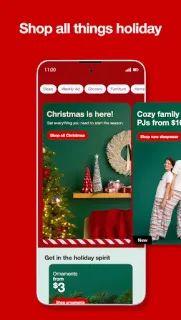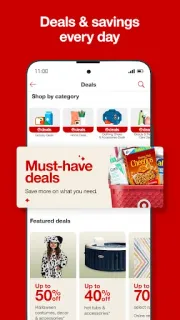
A grocery list can grow legs: I might add pantry staples, then remember a birthday gift and a new storage bin. Target’s app makes sense for that kind of mixed errand, with groceries, beauty, home decor, clothing and seasonal gifts in one shopping place. When the car is already packed with kids, free Drive Up is a practical draw: choose it at checkout and staff bring the order to the car and load the trunk. That is the moment this app earns a spot on my phone.
The app is for browsing and buying Target’s range, finding Target Circle offers and choosing among fulfillment options such as Drive Up or same-day delivery. The listing also highlights easy returns. That mix can make it a useful online marketplace for a household list, rather than a dedicated price comparison tool across different shops. I would check the cart and checkout details for each order, especially when deciding between pickup and delivery; the available choice can depend on the items and your area.
The main catch on an older or low-storage phone is that a broad shopping app still needs room for the app and its data, plus a reliable connection to browse and place an order. It contains ads, and free to install does not mean every item or delivery choice is free; check item totals and any service charges shown before checkout. Target Circle offers are worth reviewing, but I would confirm the offer terms and eligible items in the app rather than assume every deal applies. An account may be needed for ordering, so check the sign-in step before building a large cart.
I’d install it if Target is already part of your grocery, household or gift routine and Drive Up could save you a stop. On a phone that is nearly out of space, or if you mainly want to compare prices across retailers, I’d skip it until I had room and a clear reason to use it. If seasonal browsing tends to turn a short list into a long one, keep an eye on the cart before checkout. For the current app details, use the Google Play button just below.