The shared garage shelf is nearly out of gloves, and the person heading past a Grainger branch needs to know what to pick up. I’d use the app to look up the item, check nearby availability and add it to a list the rest of the team can access through Grainger.com. That turns a quick errand into a more coordinated handoff, rather than another message asking someone to remember the right size.
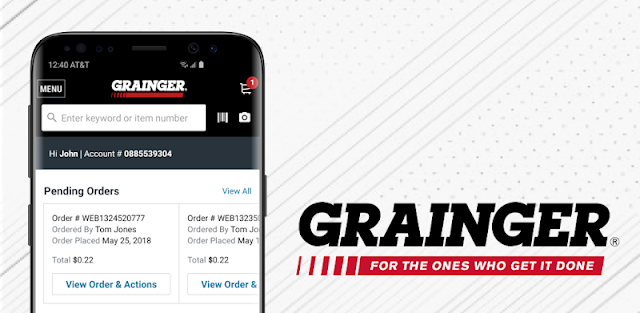
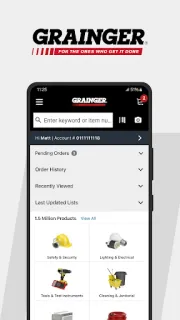
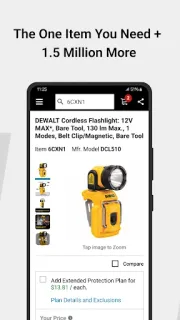
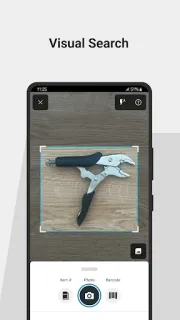
The app searches and compares Grainger products, with account pricing and item availability in the same shopping workflow. Barcode scanning can add a product to the cart; voice search helps when hands are busy. Lists support quick reordering, and order history can help a family or team check a current order or revisit earlier purchases. There are also pending orders awaiting approval, branch lookup, expert chat with photo upload, and KeepStock inventory management. Those tools make this a work-supply destination, not a general online marketplace or a coupons-focused shop. Product comparisons may help narrow options, but the app is built around Grainger’s own catalog, rather than broad price comparison across retailers.
The practical catch is fit: account pricing, pending approvals and KeepStock matter most when a team already buys through Grainger. Guest checkout is available for shoppers without an account, but account-specific tools naturally depend on having an account. Check the product details and expected arrival information before you commit; a listed arrival estimate is not the same thing as a promise that a job will stay on schedule. This is also not a dedicated delivery tracking service, so use the order status information for the order itself. I’d treat the app as a purchasing and coordination tool, not a place to hunt for gift cards or promotional coupons.
I’d install it if my household or small crew regularly buys parts, tools or supplies from Grainger and needs a shared route from list to order. It is less useful for someone shopping across many retailers, or for a family that only needs a basic household shopping list. If that sounds like your setup, the Google Play button just below is the place to check the app before installing.
 Best picksW.W. Grainger