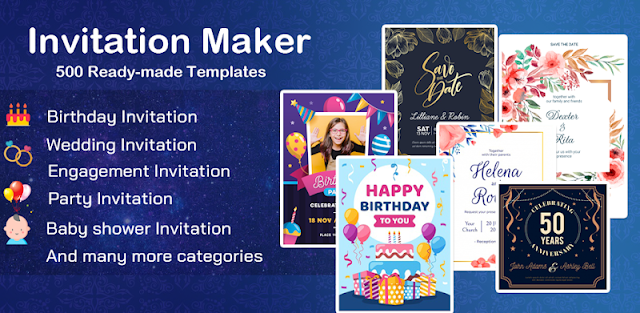
The birthday plan changes while I’m between errands: the gathering moves from the park to home, and the invitation needs a new location before I send it around. This app is aimed at that sort of hands-on edit. I can start with an invitation design, replace its wording with the event name, time and place, then add a photo or decorative details. If reception is patchy, I’d avoid counting on every design element loading smoothly; get the card ready when the connection is reliable, or use a design already available in the editor.
Splendid App Maker describes templates for birthdays, engagements, weddings, anniversaries and baby showers, alongside RSVP and greeting-card designs. The editor lets me change text, names, locations and timings, add my own wording, choose fonts, and use backgrounds, frames, stickers and images. I can also add a photo, swap an image without changing the design, adjust it with filters and effects, crop it into shapes, and resize the card. That gives a family invitation more personality than a plain group message, though it’s still a card-making tool rather than a full event planner.
The listing flags ads and in-app purchases, so I’d check which design elements or editing options are available before settling on a look. The app’s connection behavior matters for this page’s main question: I wouldn’t assume every template, image or sharing step works offline or on a weak signal. Make a first pass while connected, and keep the event details somewhere else until the finished card is saved or shared. I’d also check the access requests shown during use and decide whether they fit the photos I want to add.
Install it if you want to make a tailored invite on your phone and are happy to edit text and decorate a card yourself. Skip it if you need dependable offline access, a simple text-only workflow, or tools for restaurant reservations, food delivery, takeout or meal deals; those are separate parts of party planning. For a polished card, begin with a template and replace only the details that matter. Check the Google Play button just below for the listing and its purchase information.