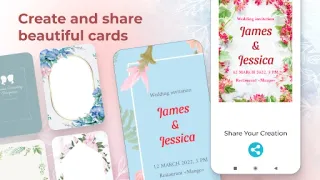
The family chat asks for the date again, while the guest list is still taking shape. I’d use Wedding Invitation Card Maker to make a save-the-date card with the names and date in one place, then share that visual reminder instead of retyping the details for each relative. That simple, shareable card is the feature that makes this app worth keeping around: it gives a busy planning conversation a clear focal point before every detail is settled.
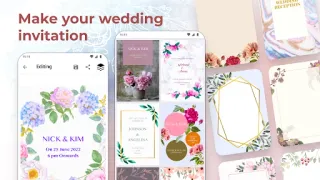
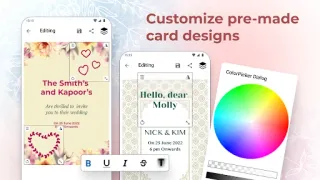
The app offers pre-made wedding invitation designs in several styles, including minimal, traditional, modern, romantic and classy. You can change names, dates, colors and other card details, then save the design and send it to friends or family. That makes it useful for an early announcement or a greeting card when you want a more personal look than a plain message, without starting the layout from a blank page. It is focused on wedding cards, not a general event-planning calendar.
The trade-off is that the app contains ads and offers in-app purchases, so a quick edit may involve commercial interruptions or paid choices. It is free to install, but that does not mean every option is free. I’d settle the wording and date before opening a template, then check which design choices are available without a purchase. The latest developer notes mention bug fixes, so it is sensible to check the Google Play listing for current details before deciding.
Install it if a ready-made design will help you share wedding details neatly and you are comfortable personalizing a template. Skip it if you need a full guest-management tool, detailed print-production controls or a completely ad-free design workspace; those are not the app’s stated focus. If a simple card is what you need, the Google Play button just below is the next place to look.