The birthday lunch is across town, and the restaurant sits on a street where stopping to hunt for a car park is awkward. I’d search its address in Parclick before leaving, set the parking dates and look at nearby options on the map. That turns one uncertain part of the outing into a choice I can make at home, rather than a detour with hungry children in the back. It is particularly useful when a hotel deals search has already fixed the destination but not the parking plan.
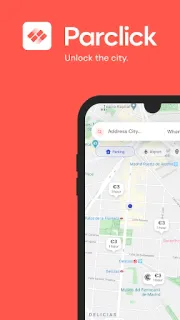
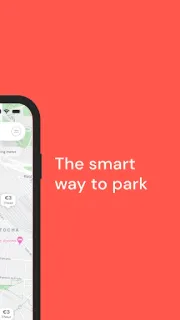
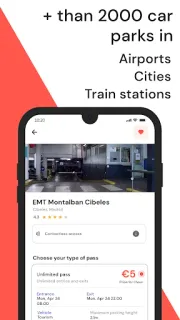
Parclick searches parking in cities across Europe. You can use the GPS finder or enter a street, city or point of interest, choose how long you need to park, then browse available offers and book in the app. The listing describes spaces for cars, motorbikes and vans, with bookings for hours or days; it also points to parking near airports and other travel hubs. Keep the booking code handy for entering and parking. For a train, boat or plane departure, compare parking near the relevant airport or terminal before setting off; this is a parking search, not a full trip planner or travel booking service.
Treat an offer as a starting point, not a complete cost comparison: check the final booking total, dates, duration and car park details before confirming. A discounted rate is not automatically the right choice if the location or timing does not fit. GPS search depends on location access, though entering a destination manually is another route. You’ll need to keep the booking code available when you arrive, so save the confirmation somewhere accessible. Check the specific car park’s terms in the booking flow, especially if your arrival time may shift.
I’d install Parclick if I regularly drive to unfamiliar city addresses, airport departures or busy event areas and can book ahead. It may also help compare car parks for a weekend stay, though it won’t replace checking the route from the car park to the final destination. Skip it if you rarely drive, already have dependable parking at your destinations, or need an immediate guarantee of a space without checking the offer details. If it fits your plans, use the Google Play button just below to open the listing and review the app.
 TroubleshootingBook Parking Spaces