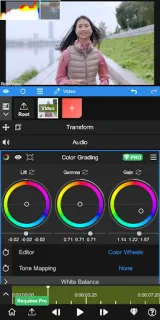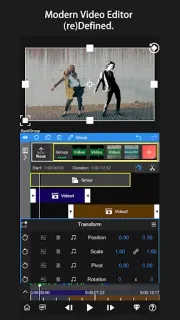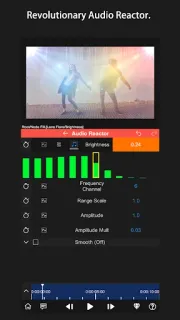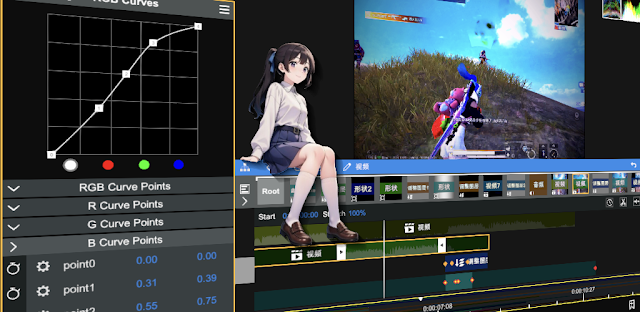
A family clip can need more than a trim: a title that sits cleanly over the picture, a blur over a face, or a shadow that follows the design. Node Video earns a place in that sort of evening edit when the basic tools feel too limiting. I’d reach for it when I want to refine a short video on my phone rather than wait until I’m back at a computer.
Node Video is an all-in-one video editor built for mobile. Its listed tools include 3D camera tracking and optical flow frame interpolation, which can help with tracked elements and smoother-looking motion. The latest update notes also call out angle adjustment for Long Shadow, adjustable Mosaic size down to zero, improved tutorial videos, and a fix for saving Paint colors. That mix suggests room for detailed edits, not just trimming and joining clips. It is a different job from stock photos or photo editing software: the focus here is moving footage.
The listing describes an ad-free, offline experience and says most features are free, while also flagging in-app purchases. I’d check the Google Play listing for the purchase details and make sure the available tools suit the edit I have in mind before building a routine around them. More advanced controls can also mean a steeper learning curve than a simple editor; the tutorial videos may help when a tool’s name or controls aren’t immediately clear.
Install Node Video if you enjoy shaping clips and want advanced editing tools within reach during a busy day. It may be more editor than you need if you only want to trim a clip and share it, or if you prefer a guided, one-tap workflow. For a regular family-calendar moment, I’d keep it as an option for the clips that deserve extra polish. Check the Google Play button just below to open the listing and review the details before you install.