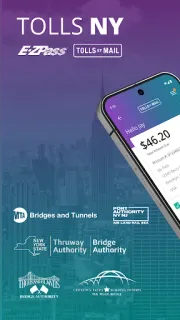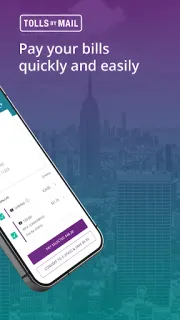
A route home changes, and later a paper Tolls by Mail invoice is waiting beside the keys. I’d open the app to scan and pay it, or search for a trip by license plate, rather than let that envelope follow me into next week. If I were planning a drive near the airport, I could also use the trip-planning feature before setting off. That makes this more useful for toll chores than for comparing flights, hotel deals or vacation packages.
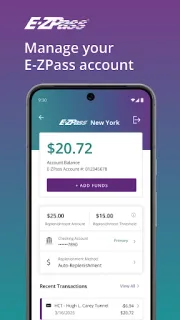
The app is the official option for E-ZPass NY and Tolls by Mail customers. E-ZPass account tools include checking a balance, viewing toll history, getting account alerts, changing payment methods, making one-time payments and updating vehicle information. The app can also help you learn which E-ZPass plan may suit your travel. For Tolls by Mail, you can scan and pay a paper invoice, search for trips using a license plate, plan future trips and opt in to digital invoices. Those are the day-one settings and tasks I’d look at first: alerts, vehicle details and invoice delivery preferences.
The main catch is that this is built around existing New York toll accounts and invoices, not general trip planning. Have your account details or invoice information ready when you open it; payment and account actions depend on the relevant customer information. Changing payment methods or making a one-time payment can affect how you handle toll charges, so check the details in the app before confirming. The listing describes the app as free to install, but that does not make tolls free. I’d also read the Google Play listing for the current app details before proceeding.
Install it if you use E-ZPass NY or receive Tolls by Mail invoices and want account management, trip searches and invoice tasks on your phone. It is a poor fit if you need a broad trip planner, help with flights or car rental, or toll tools for another region. If you already have the relevant account, start with alerts and vehicle information, then choose whether digital invoices suit you. Check the Google Play button just below to open the listing.