The train pulls out, the signal drops to one bar, and the episode you meant to watch is suddenly the practical question. Crunchyroll is built around streaming anime, so it makes most sense when you have a steady connection or can check your route and reception before pressing play. If your commute regularly slips into dead zones, treat reliable playback as something to confirm for your own setup rather than assuming the app will keep going offline.
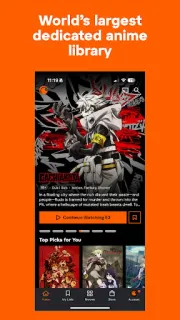
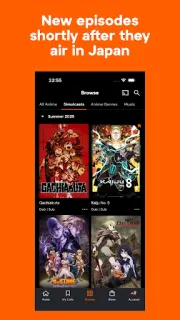
The app brings anime series and movies together, with subbed and dubbed options where available. You can browse genres, make Crunchylists for episodes and favorites, and get recommendations based on what you watch. Simulcast episodes arrive shortly after airing in Japan, which suits fans who like to keep up; music videos, concert performances and behind-the-scenes material add more to explore. It is an entertainment library, not a general streaming subscription or an e-book reader.
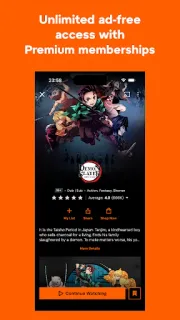
The listing describes streaming and ad-free viewing as an option, while also flagging ads and in-app purchases. That means the free-to-install label is not a promise of an ad-free experience or that every viewing option is included at no cost. Dub availability varies by title. For weak connections, check the episode playback and data settings available in the app before relying on it; avoid counting on offline access unless the app itself offers a clear way to save episodes for that use. A stable Wi-Fi connection is the safer choice for long sessions.
I’d install it if anime is a regular part of your viewing and you want one place to browse series, films and related music. It is a less natural fit if you mainly watch in areas with unreliable reception or need guaranteed offline episodes for travel. On a mid-range Galaxy A-series phone, I’d also check that playback quality suits your connection and data allowance before settling in. Check the Google Play button just below to open the listing and decide if Crunchyroll fits your viewing routine.