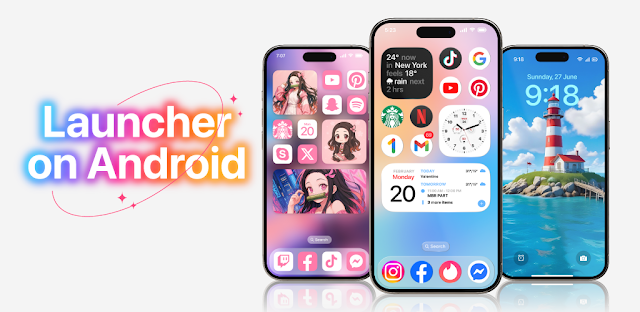
At the door, one child is asking about a permission slip while the other wants music, and I’m trying to find the right app without scrolling through a crowded home screen. Launcher OS™ is aimed at that everyday friction: it lets you reshape the phone’s look and offers lock-screen tools, so familiar tasks can be easier to reach. The appeal is practical as well as visual, but it depends on how much you want to change from Android’s usual setup.
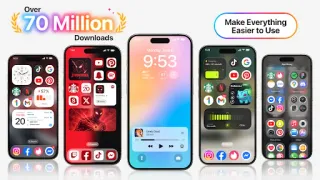
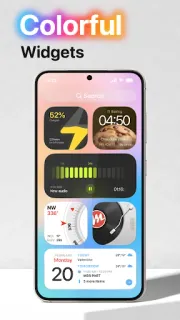
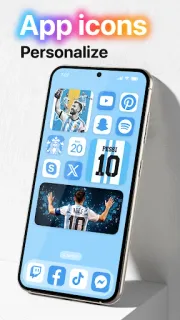
The app presents itself as a launcher for personalizing your phone. Its listed features include changing app icons, setting a wallpaper from storage, and creating a large folder. It also describes lock-screen access to the camera, call information and notifications. That could suit a routine built around checking a message or opening the camera quickly, rather than unlocking the phone and searching. The latest update notes also call out improvements to icon changes, performance and data handling. I’d treat those as useful context, not a promise that every phone will behave the same way.
The trade-off is permission scope. The developer says features may request camera, phone-state, notification, storage, overlay and microphone access; it connects microphone access with converting voice to text in an AI chat. Its file search feature is tied to broad storage access. Consider each request against the feature you intend to use, and skip an optional feature if its access feels too broad. The app is free to install, contains ads and offers in-app purchases, so check the Google Play listing for the current purchase details before committing. A launcher also changes the part of Android you see most often, so allow time to decide whether its layout suits your habits.
I’d consider Launcher OS™ if customizing icons, wallpaper and folders is part of how I keep daily routines visible, or if I want lock-screen shortcuts and am comfortable reviewing permissions. I’d skip it if I prefer a minimal change, want to avoid ads or extra purchase options, or don’t want a launcher requesting access beyond its basic appearance tools. If a smart TV, e-books or wireless earbuds already take enough setup in your routine, there’s no need to add another layer unless the home-screen changes solve a real annoyance. Check the Google Play button just below for the listing and decide whether its features and access requests fit your phone.
 How-toLauncher OS™